
Interested in recipes, nutrition, or research?
Visit eatpecans.com
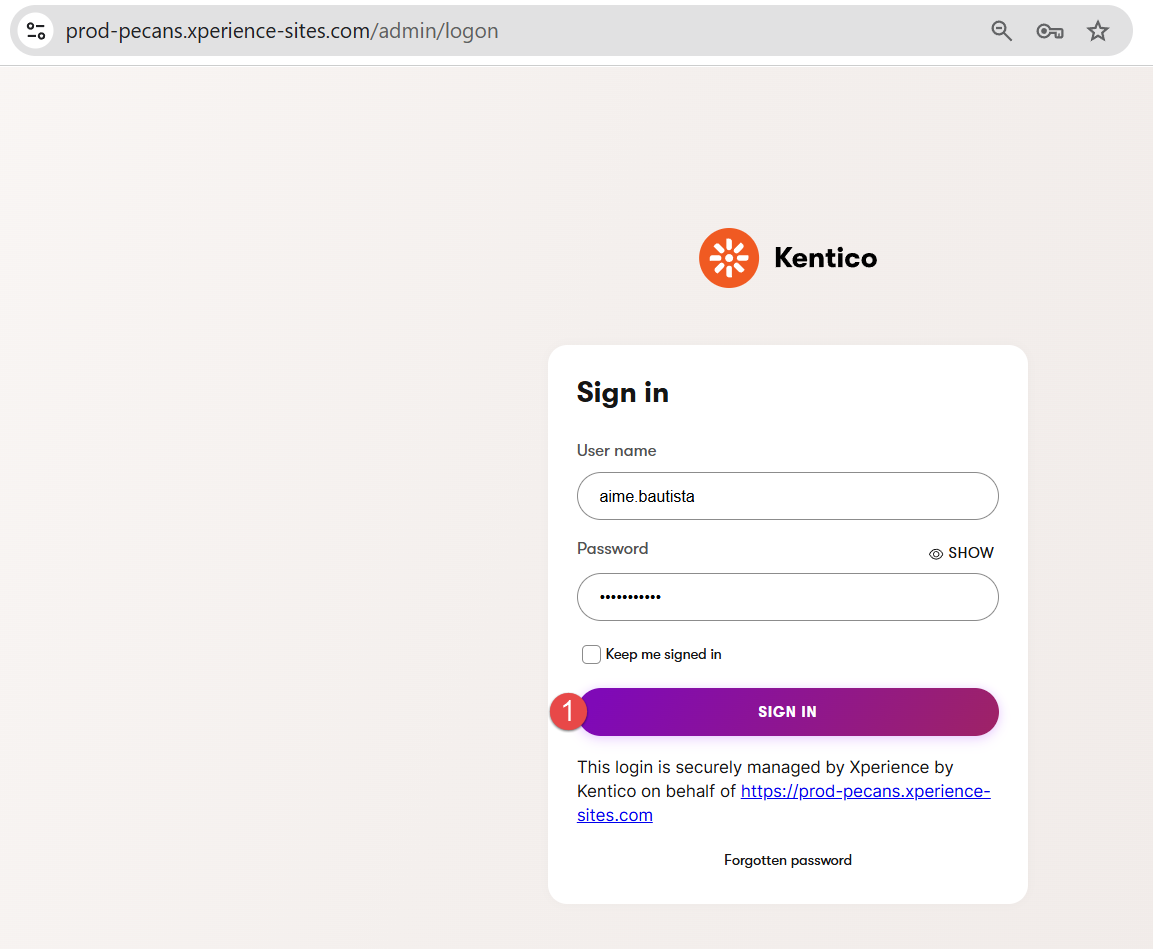
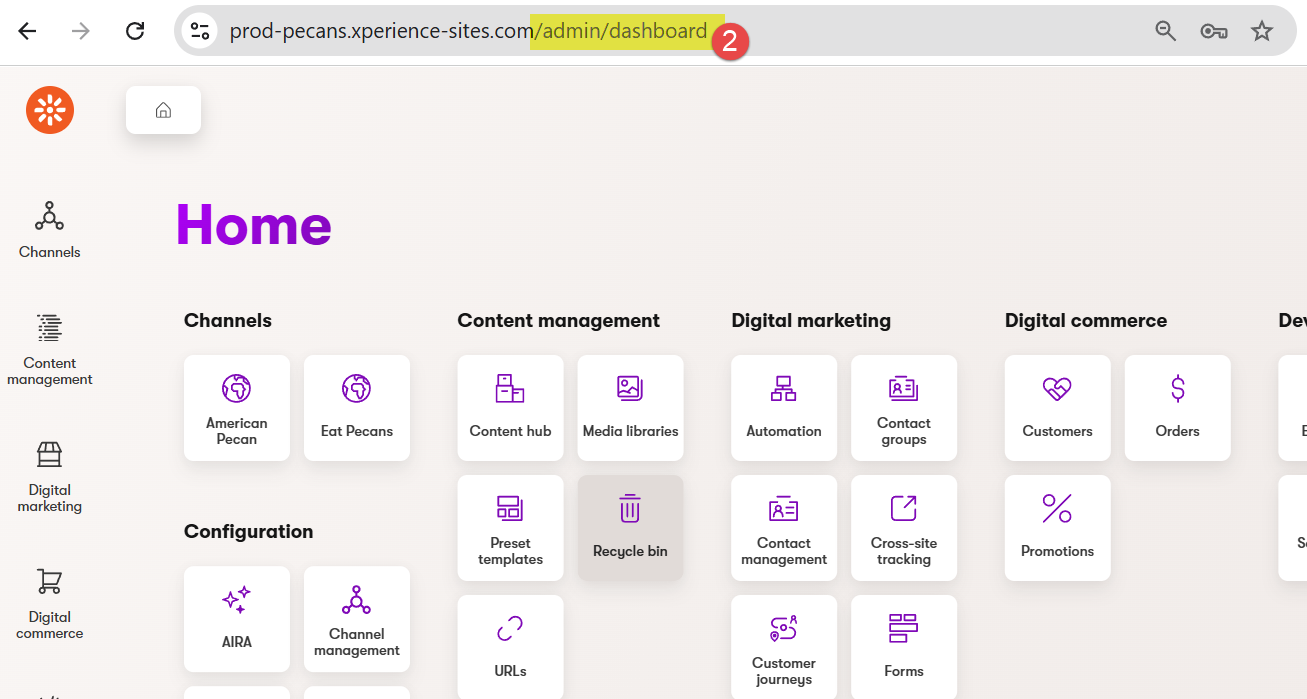
2. Once logged in, go to the URL and remove the slug /admin/dashboard
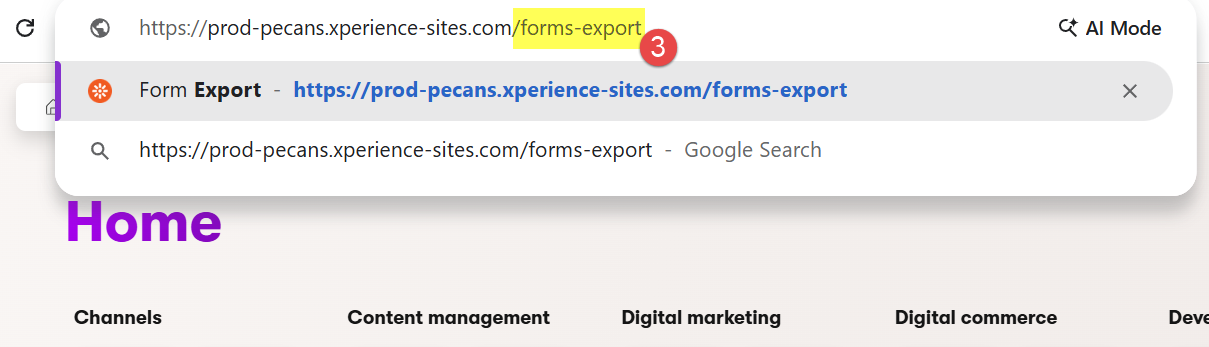
3. Copy and paste the slug /forms-export and press Enter
4. Go to the form you want to export submissions from and click the Export CSV button
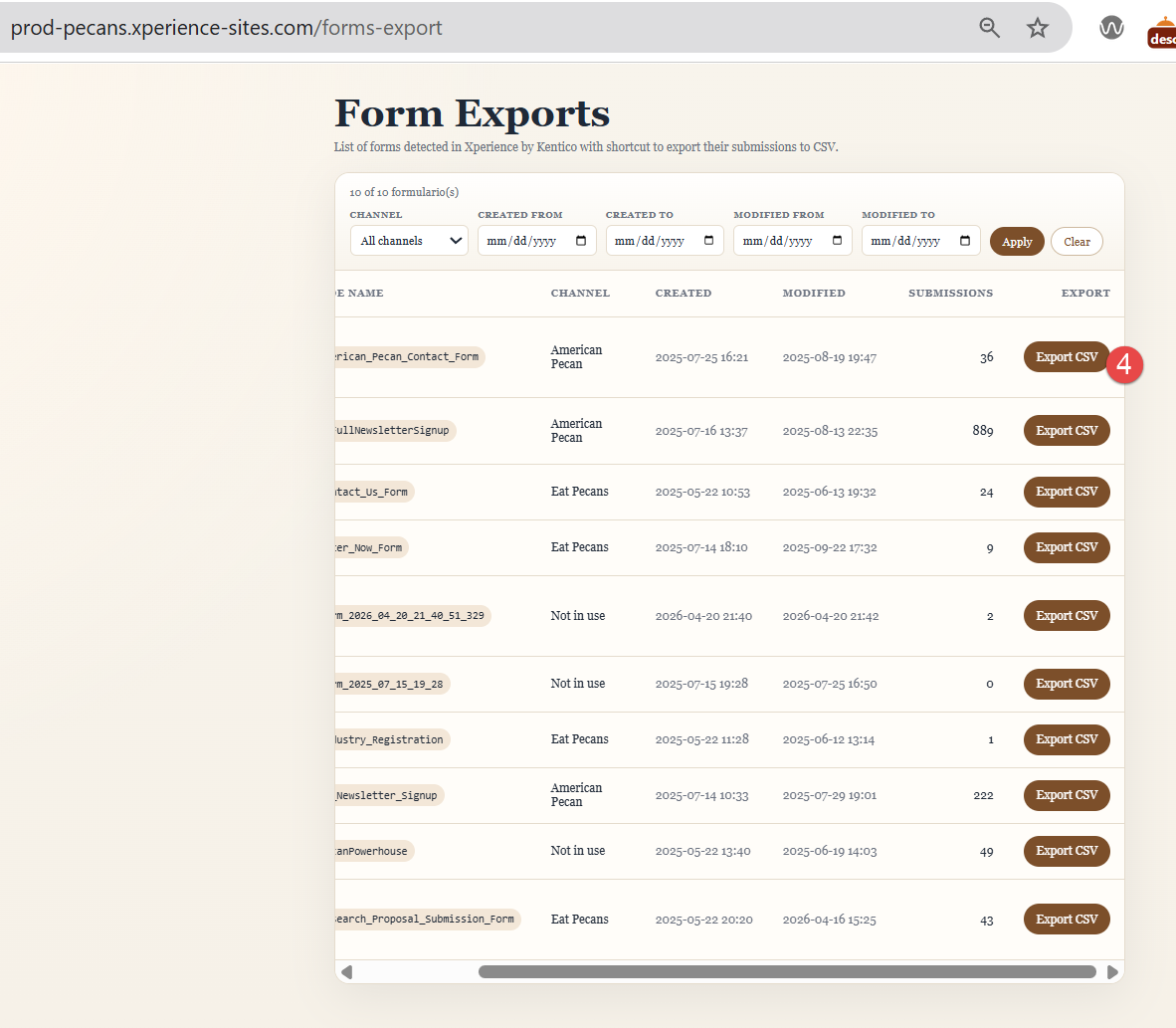
Note 1: You will need to access this page to download submissions for each form from both websites.
Note 2: You can use the available filters to find the forms for each website quickly.